
3 Underrated Timeline Tips in 3 Minutes for DaVinci Resolve
Learn how to see your timelines easier, backup versions, and edit faster in DaVinci Resolve 18 with three quick edit page timeline tips.

5 DaVinci Resolve Adjustment Clip Tips
Discover pro video editing hacks by using adjustment clips in DaVinci Resolve 18. There are tons of keyboard shortcuts and workflow hacks to help you edit better videos in less time. You can even save these adjustment clips for future projects with power bins!

Blackmagic Cloud Pod Review
Find out why the Blackmagic Cloud Pod is one of the best tools to help you collaborate anywhere in the world as a solo creator. I cover the pros, cons, and ten gig ethernet networking tools you might need to purchase. The Cloud Pod even works in Adobe Premiere Pro and Final Cut Pro! It's not just for DaVinci Resolve 18!
Blackmagic Cloud Collaboration in DaVinci Resolve 18
Learn how easy it is to set up and use DaVinci Resolve 18's Cloud Project Libraries to share projects and edit videos remotely with your team. This fast and comprehensive tutorial covers it all!
How to BACKUP + CLEAN INSTALL DaVinci Resolve 18
Learn how to download and install DaVinci Resolve 18 for FREE with all the steps you need to backup all of your projects and plugins. Upgrade your disk database to the all-new Project Library in Resolve 18 to utilize the Blackmagic Design Cloud Project Server for remote video editing.
Circle Mask Video Effect in DaVinci Resolve
Learn how to auto-align clips to sync them in the timeline based on waveforms and mask video clips into a circle using the new Resolve FX transform effect. Also, check out the new Fusion vector shape tools in DaVinci Resolve. This is the perfect webcam simulation for a quick and clean picture-in-picture effect.
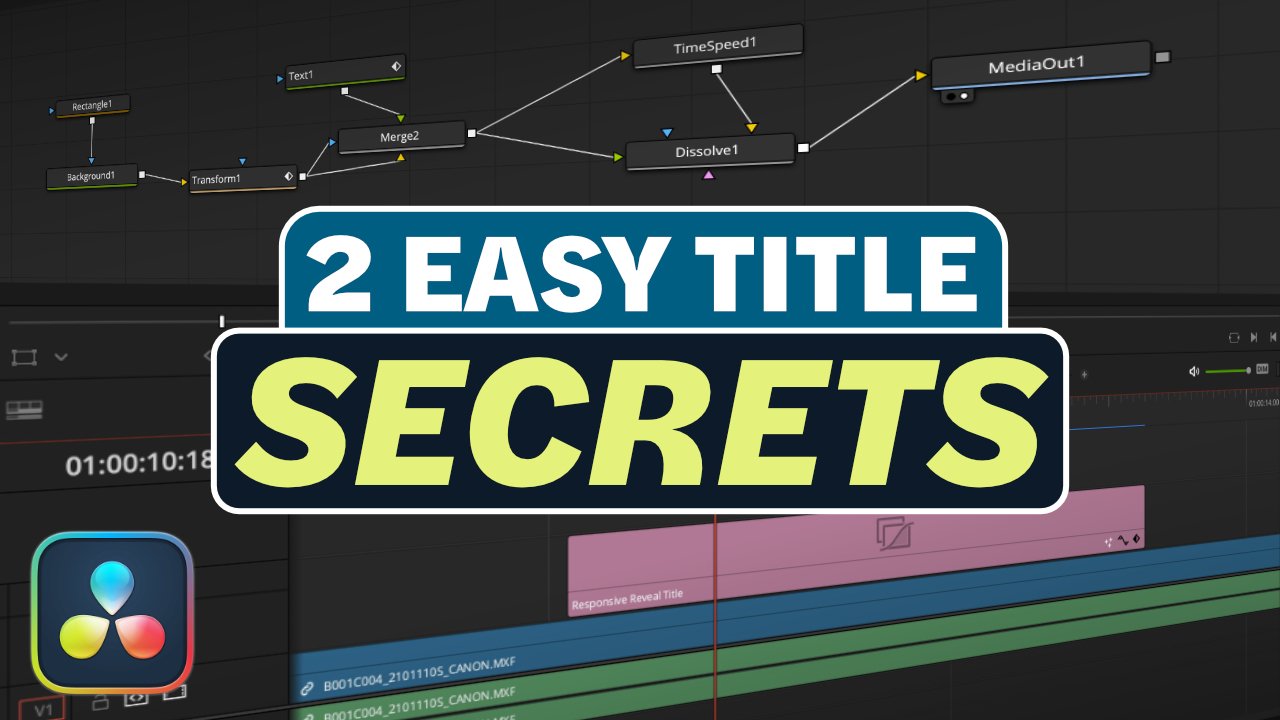
QUICKLY Reverse Animations in DaVinci Resolve Fusion
Don’t waste time duplicating keyframes for an outro animation for a Fusion Title Graphic. Learn 2 quick tricks to wipe any DaVinci Resolve motion design off the screen in this week's Creative Video Tip. Free title included to follow along.